
Configured for your workflow
Services, staff, permissions, schedules, documents and modules follow the needs of your organisation.
Clinic Suite brings together appointments, patient records, documentation, staff access and business oversight in a branded environment adapted to your organisation.
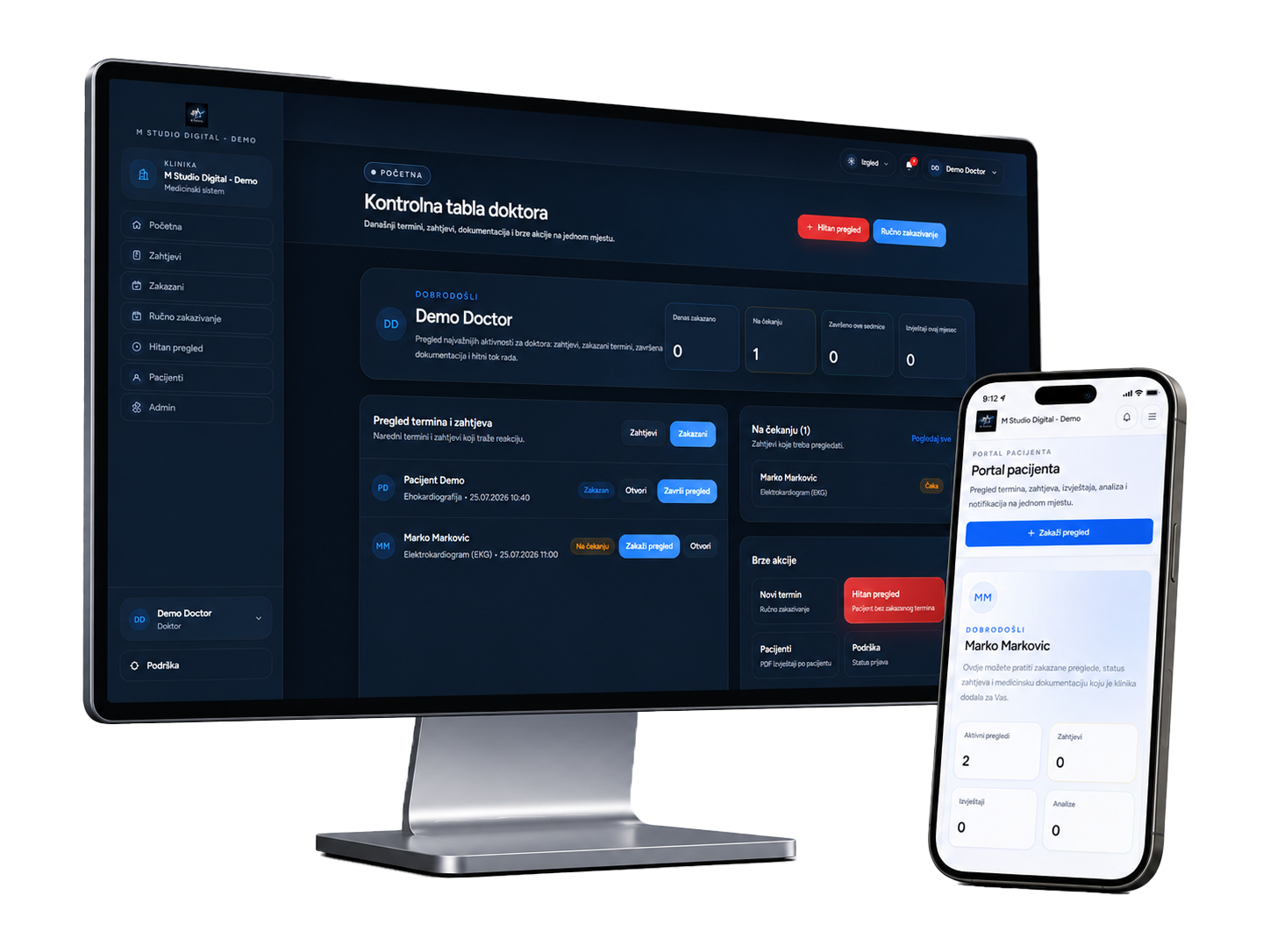
When information is connected and access is clearly controlled, teams spend less time searching, repeating data entry and answering status calls.
Services, staff, permissions, schedules, documents and modules follow the needs of your organisation.
Patients use an environment carrying your organisation’s name, identity and app icon.
We prepare the platform, help the team get started and remain available during use.
Appointments, service duration, doctors and status updates remain organised in one place, making day-to-day work easier for reception, doctors and staff.
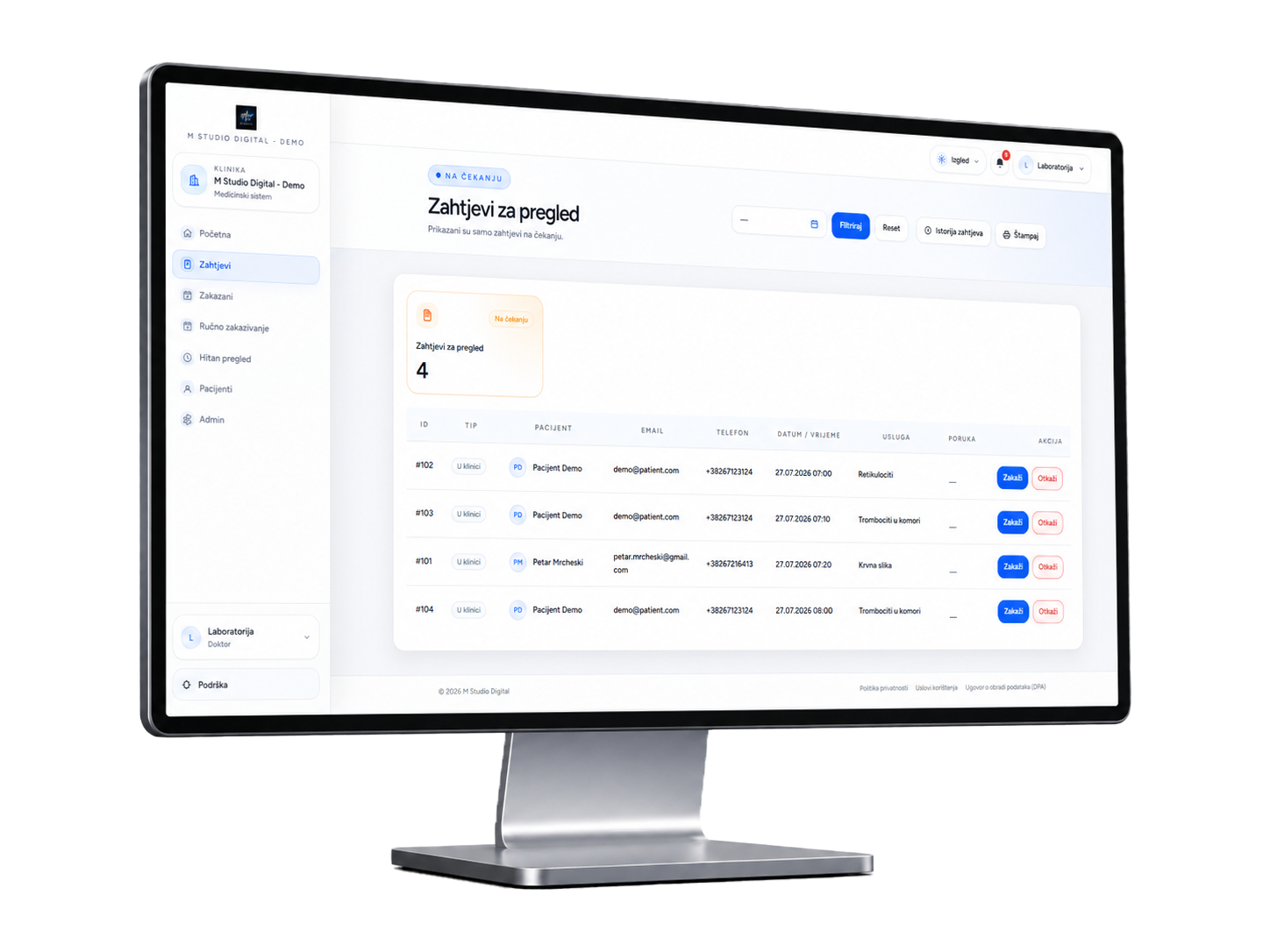
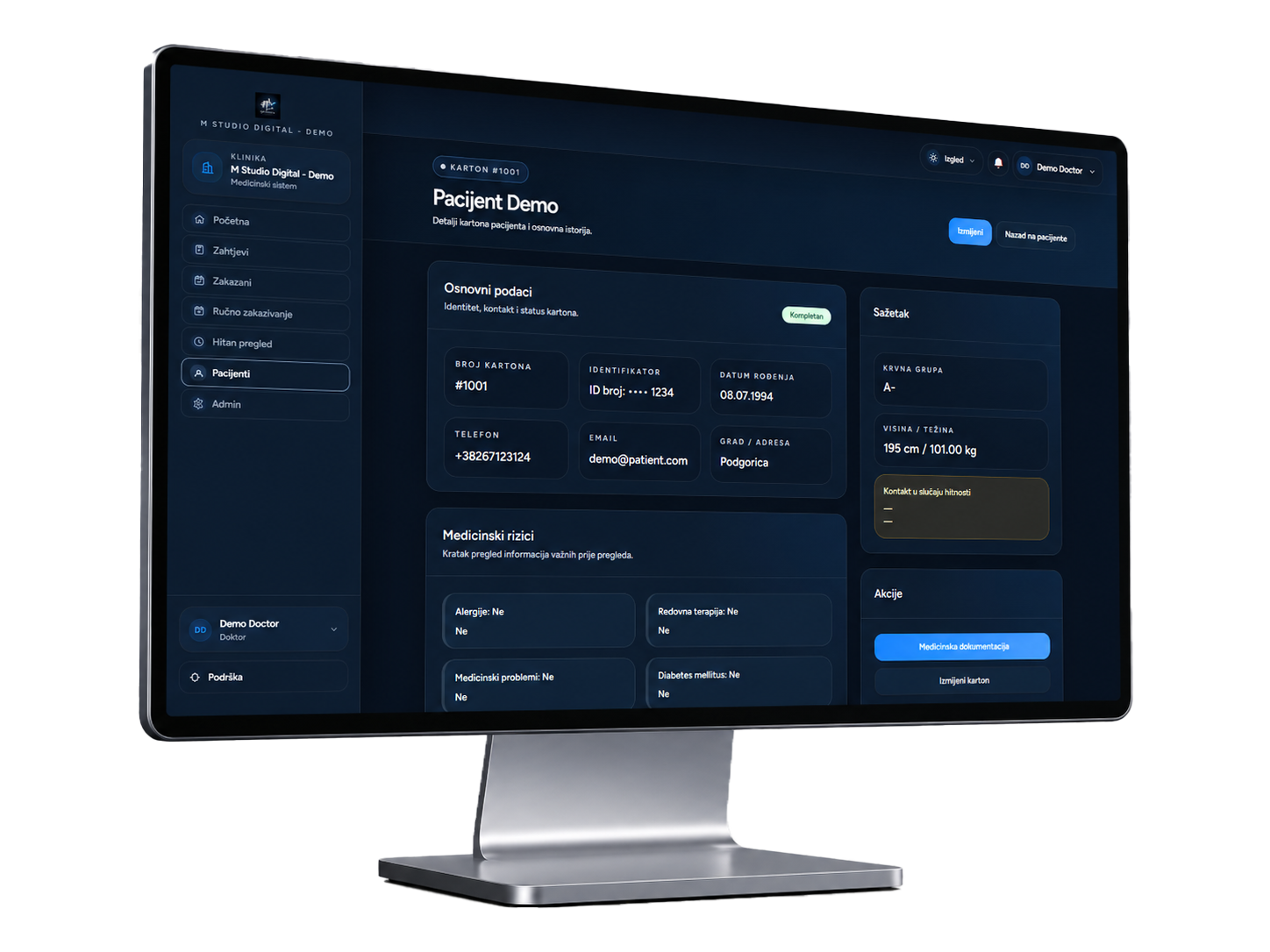
Important information stays linked to the same record, so doctors and staff can quickly reach visits, documents and history without searching in different places.
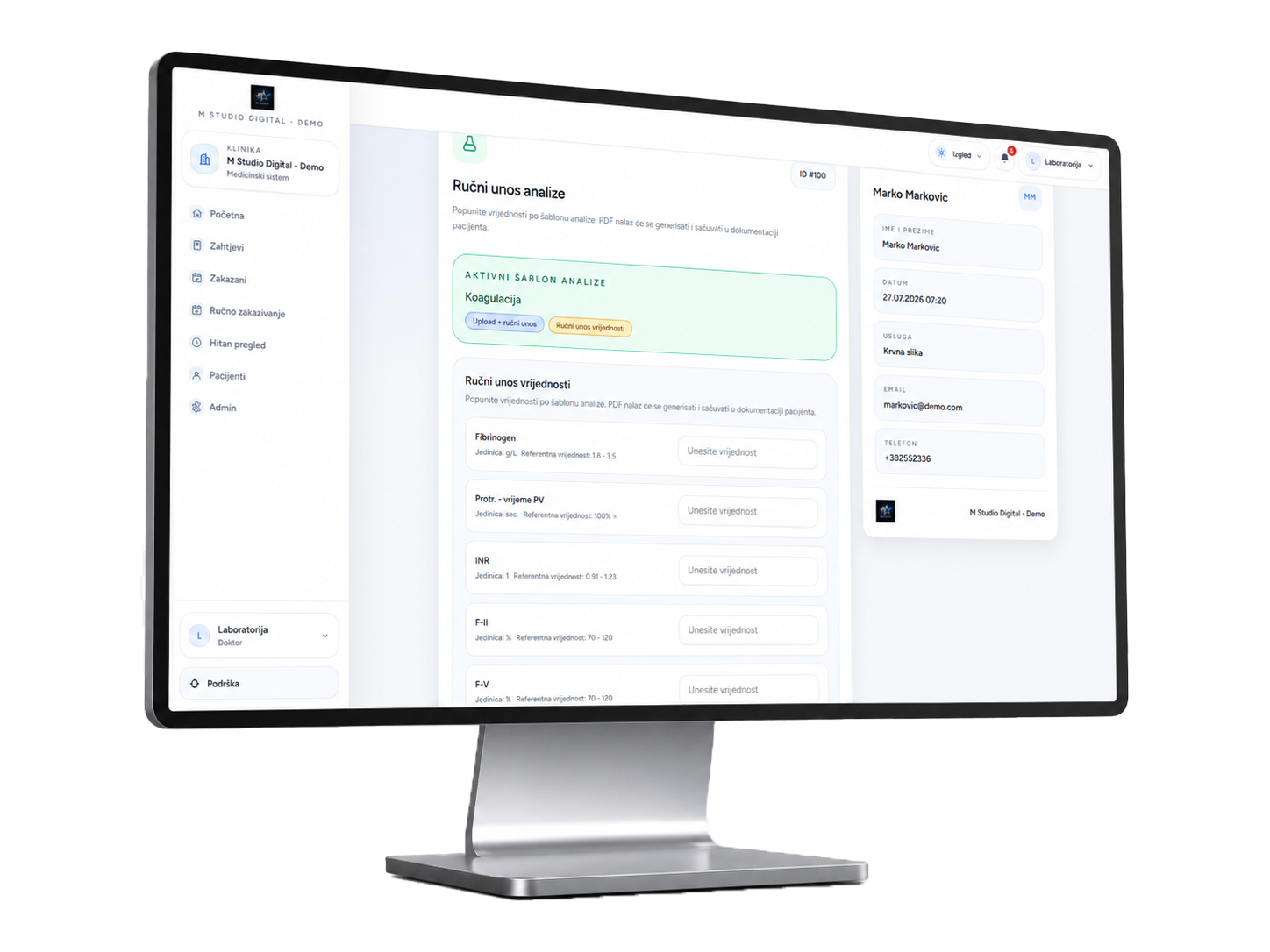
Reports and documents are prepared from existing patient data and your clinic branding, reducing manual work while keeping a polished, consistent appearance.
Reception, doctors, management and patients each see the part of the platform relevant to them, with clear permissions and a simpler workflow.
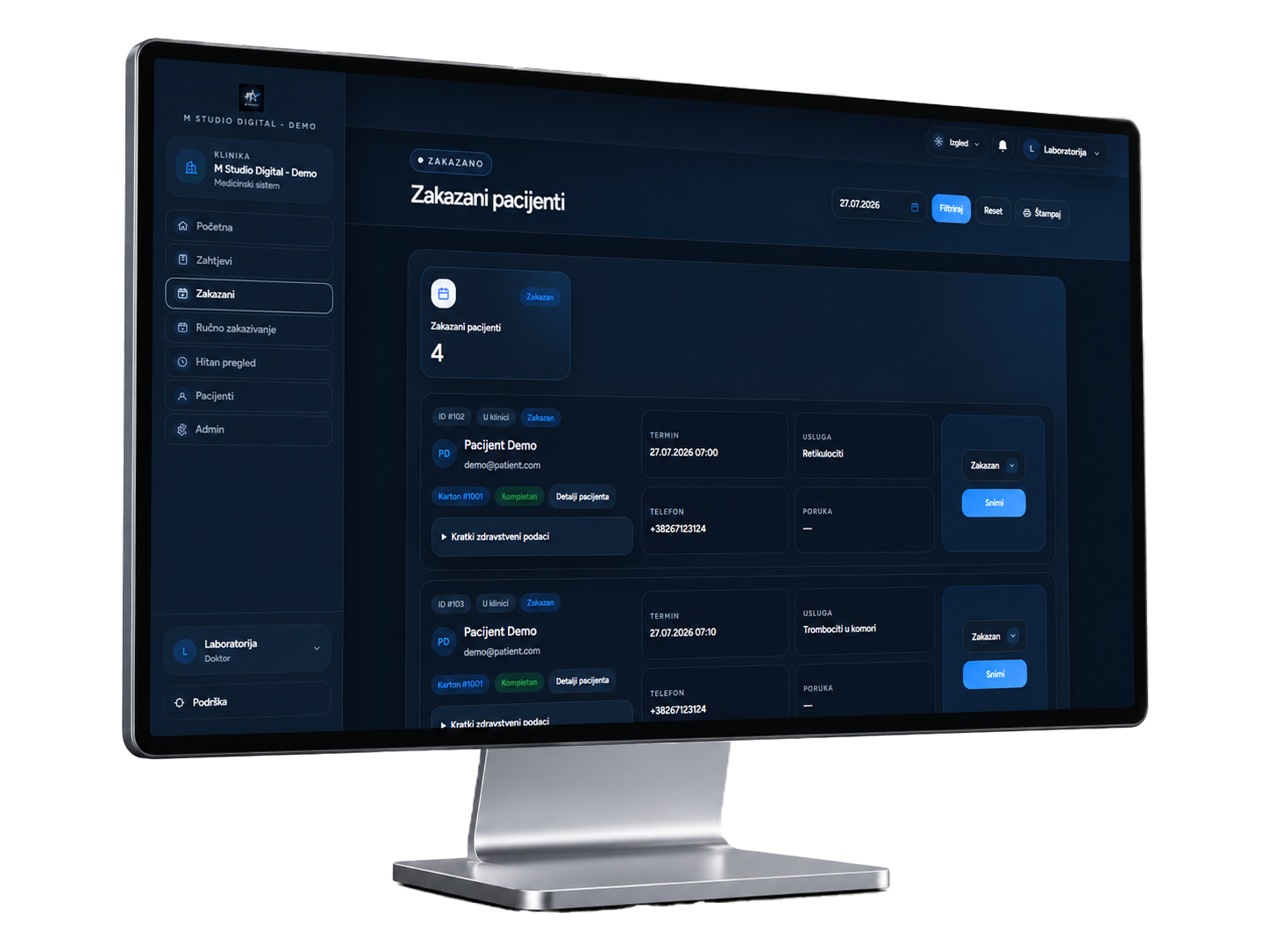
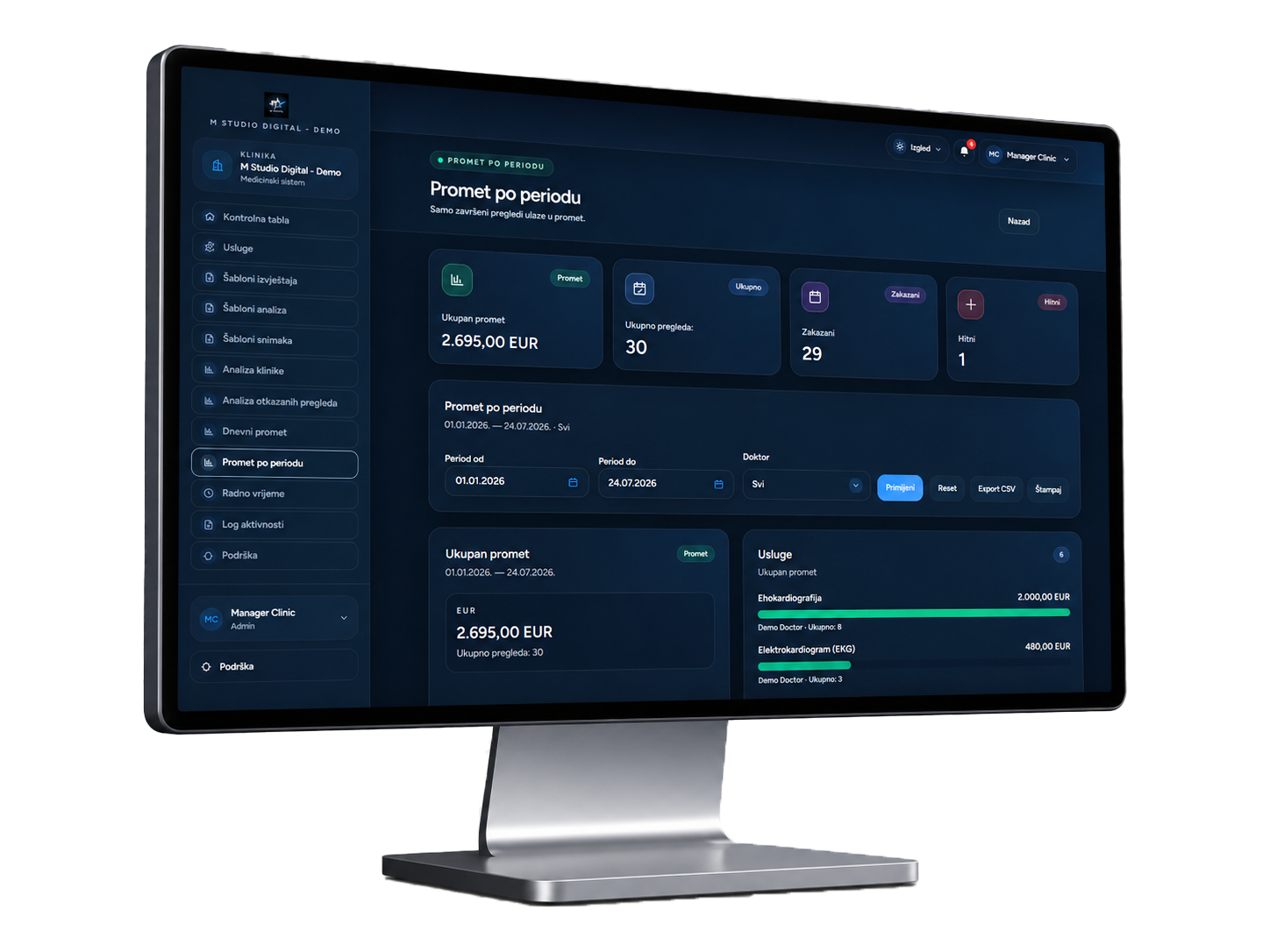
Management gains a clearer overview of scheduling, cancellations, popular services and revenue by period, doctor or service.
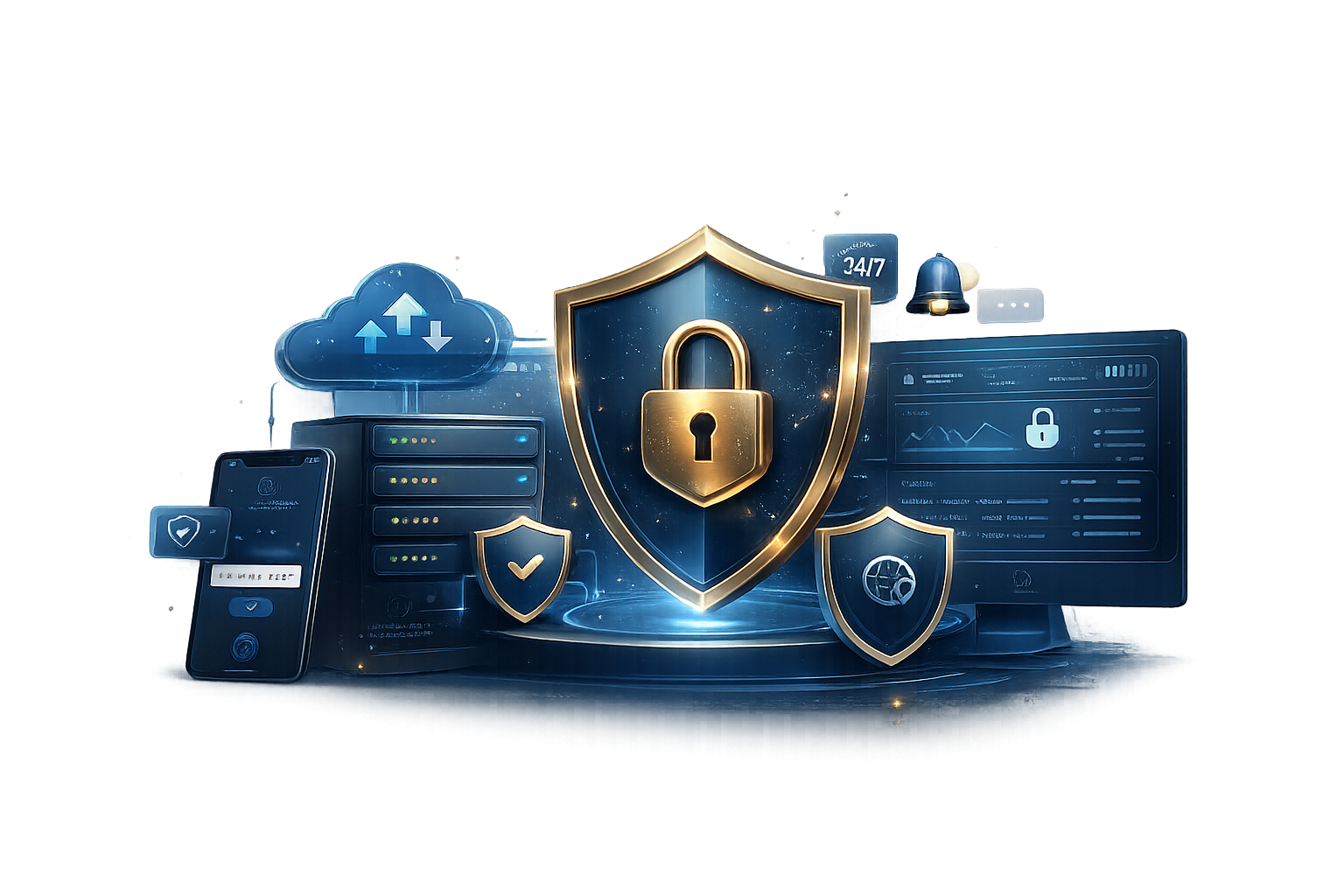
Clinic Suite protects access to accounts, patient records and documents through multiple control layers, while monitoring, activity records and backups support reliable daily operations.
Additional identity verification helps protect access to user accounts.
Patients, staff, doctors and administrators receive access based on their responsibilities.
Relevant access, actions and changes remain recorded.
Each organisation accesses its own environment, users and documentation.
Backups cover the database, medical reports and supporting documents.
HTTPS access and blocking of suspicious IP addresses add another protection layer.
Availability, errors and important system processes are monitored around the clock.
We assist with rollout, training, everyday use and further platform improvements.
The branded platform can be installed on supported Android and Apple devices and opened with one tap, without a traditional Google Play or App Store download.
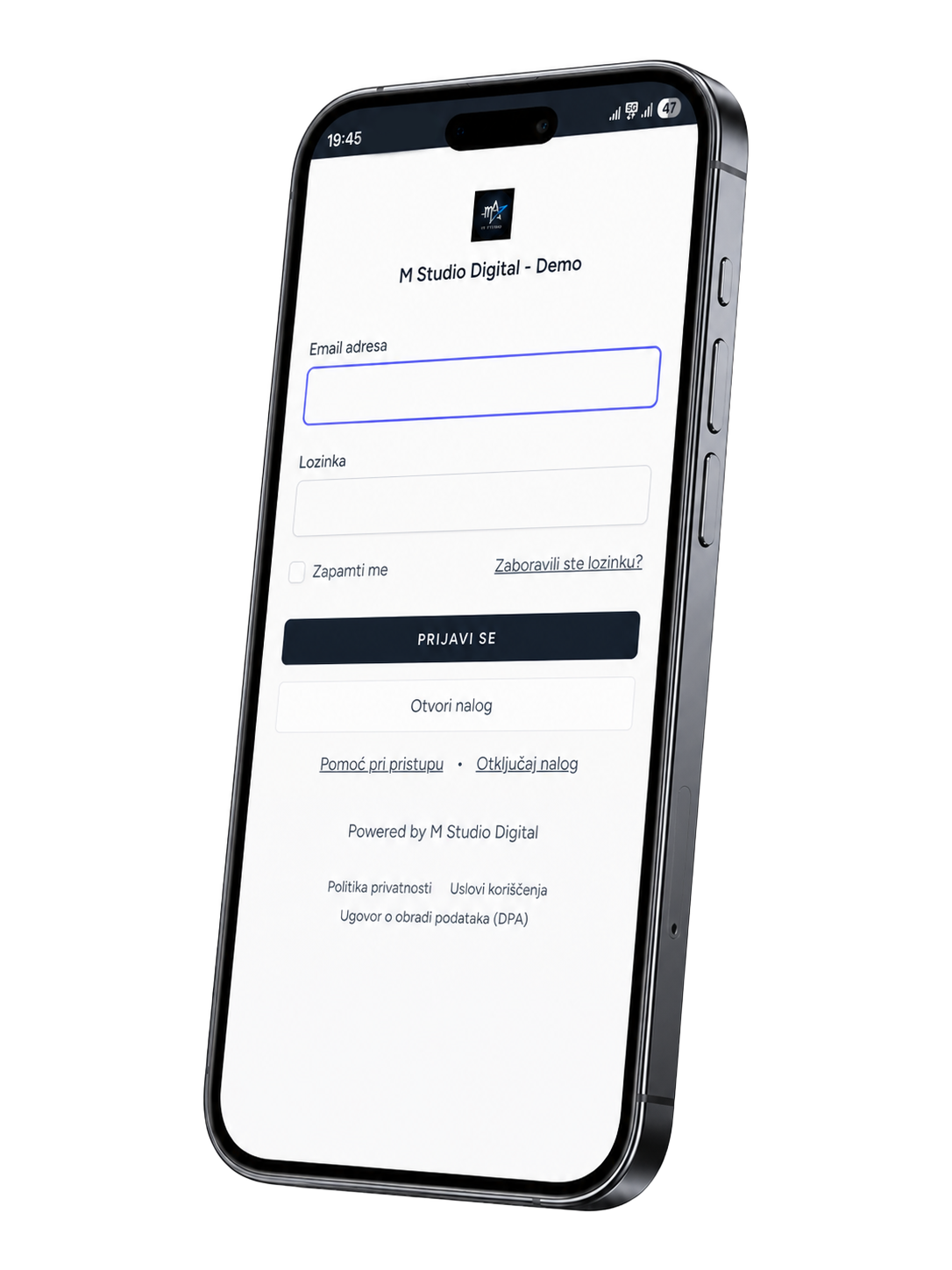
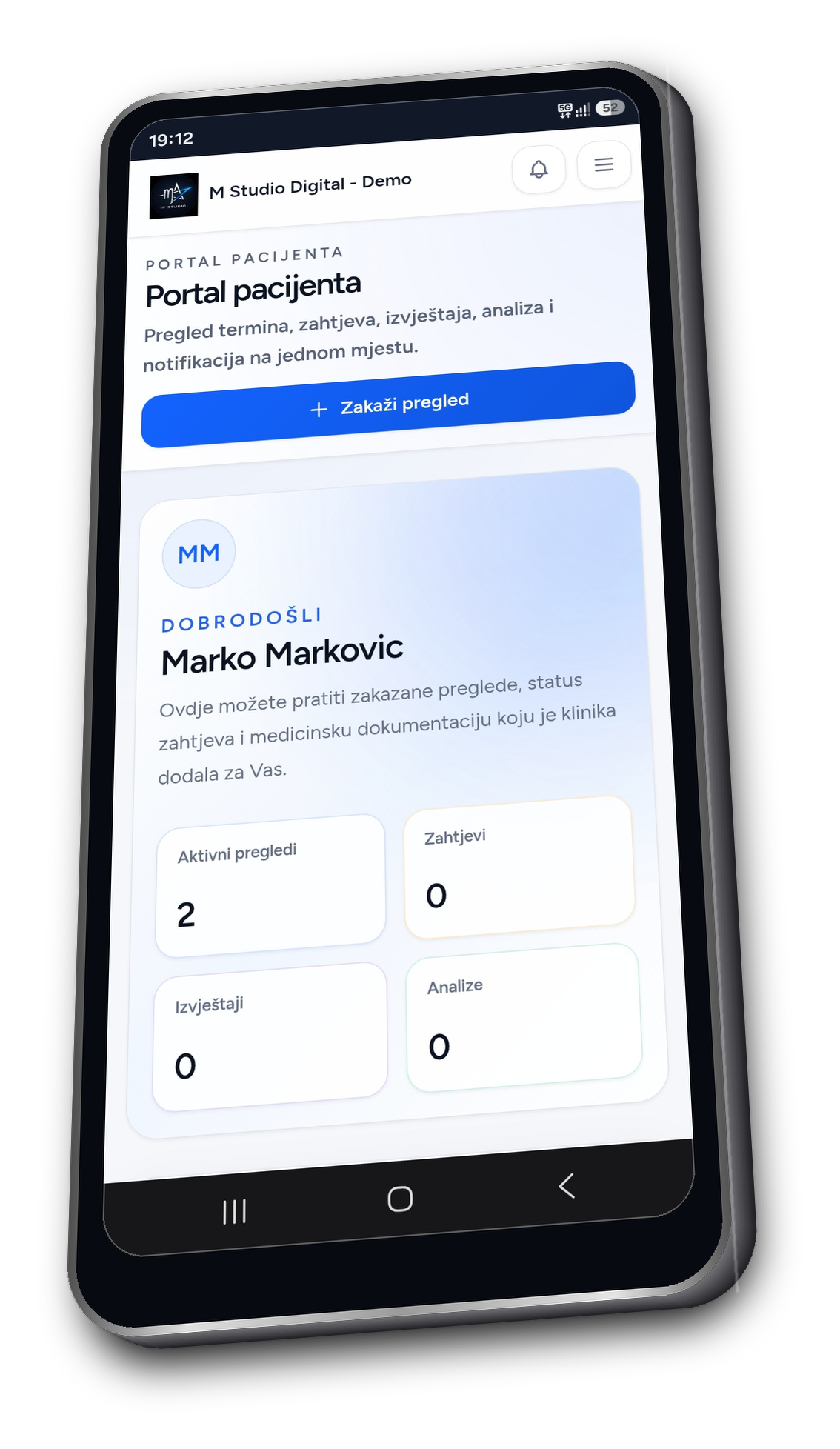
M Studio Digital prepares the branded environment, explains the relevant functions to your team and remains available as the platform becomes part of everyday operations.
No. It can be configured for a small private practice, a clinic with several doctors or a larger polyclinic.
Yes. The name, logo, colours, app icon, languages and visual elements are configured around your clinic.
Yes. Patients and staff can add it to the home screen of supported Android and Apple devices.
We assist with configuration, onboarding and everyday use and remain available for technical questions and further improvements.
We focus the demonstration on your services, team, documentation and current workflow.

