
Configured for your workflow
Services, staff, permissions, schedules, documents and modules follow the needs of your organisation.
Laboratory Suite connects patient intake, requests, result entry, report templates and mobile access inside one branded system designed around your laboratory.
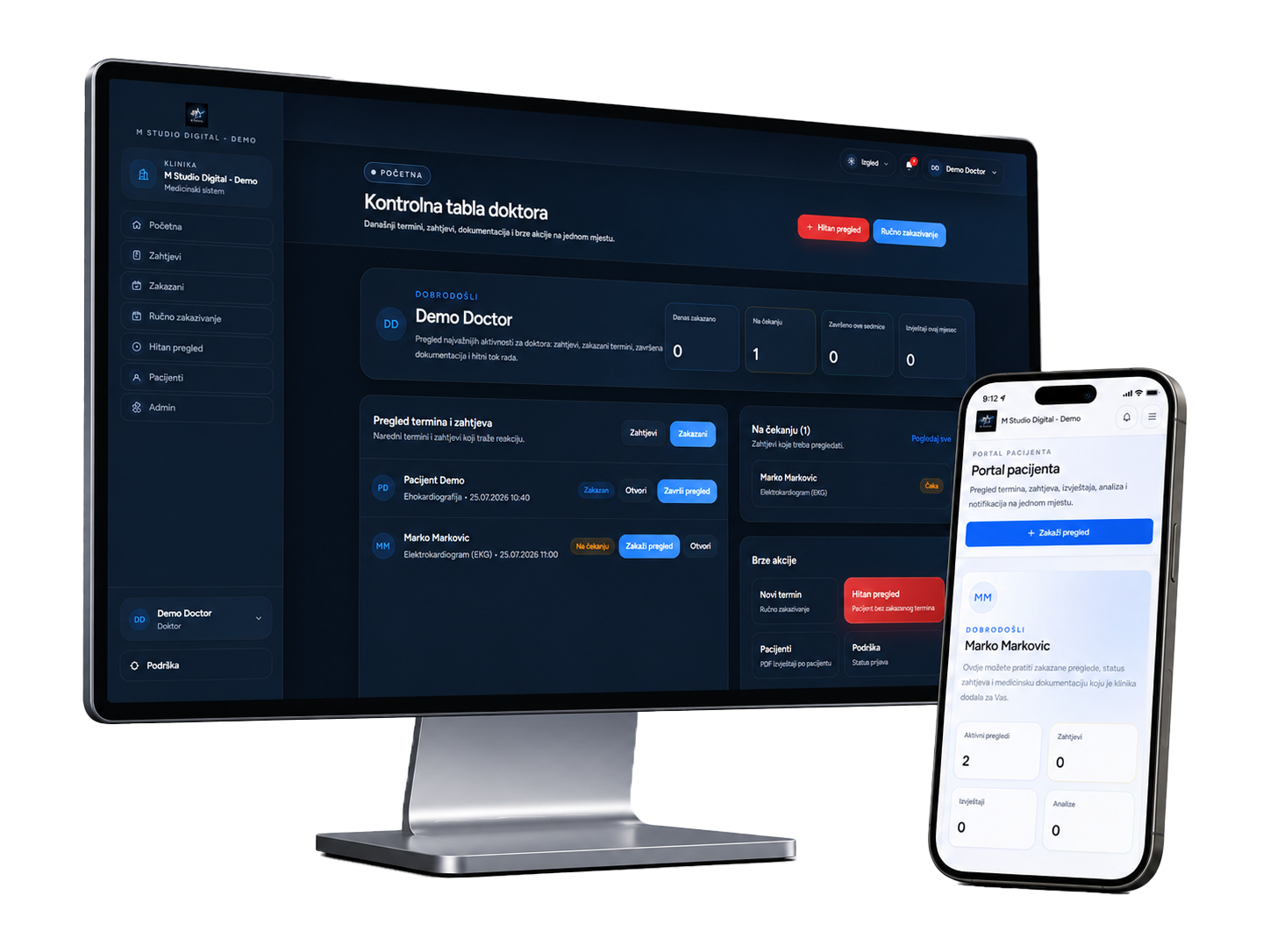
When information is connected and access is clearly controlled, teams spend less time searching, repeating data entry and answering status calls.
Services, staff, permissions, schedules, documents and modules follow the needs of your organisation.
Patients use an environment carrying your organisation’s name, identity and app icon.
We prepare the platform, help the team get started and remain available during use.
Searching for an existing record speeds up reception work and keeps patient details, previous tests and documents connected.
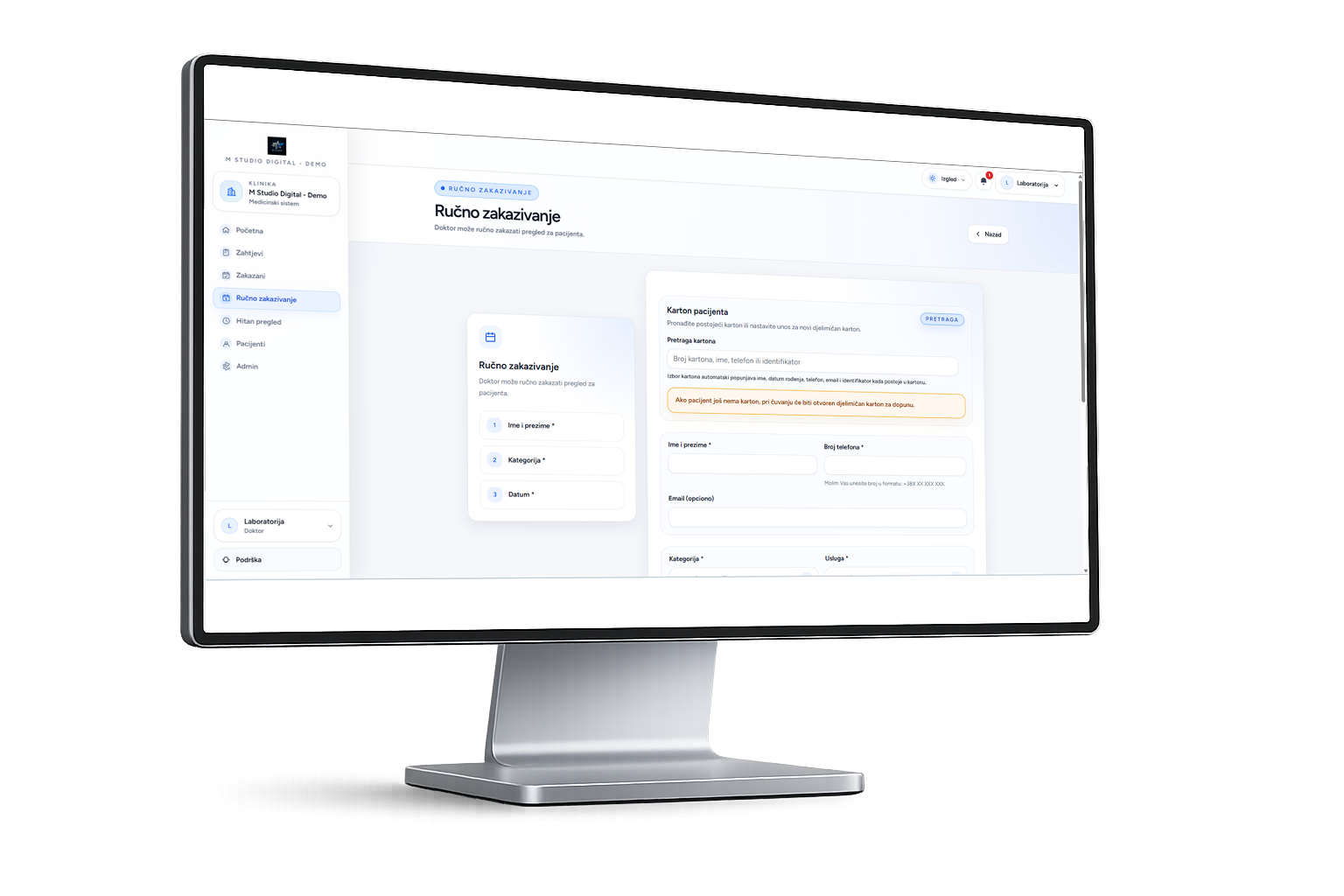
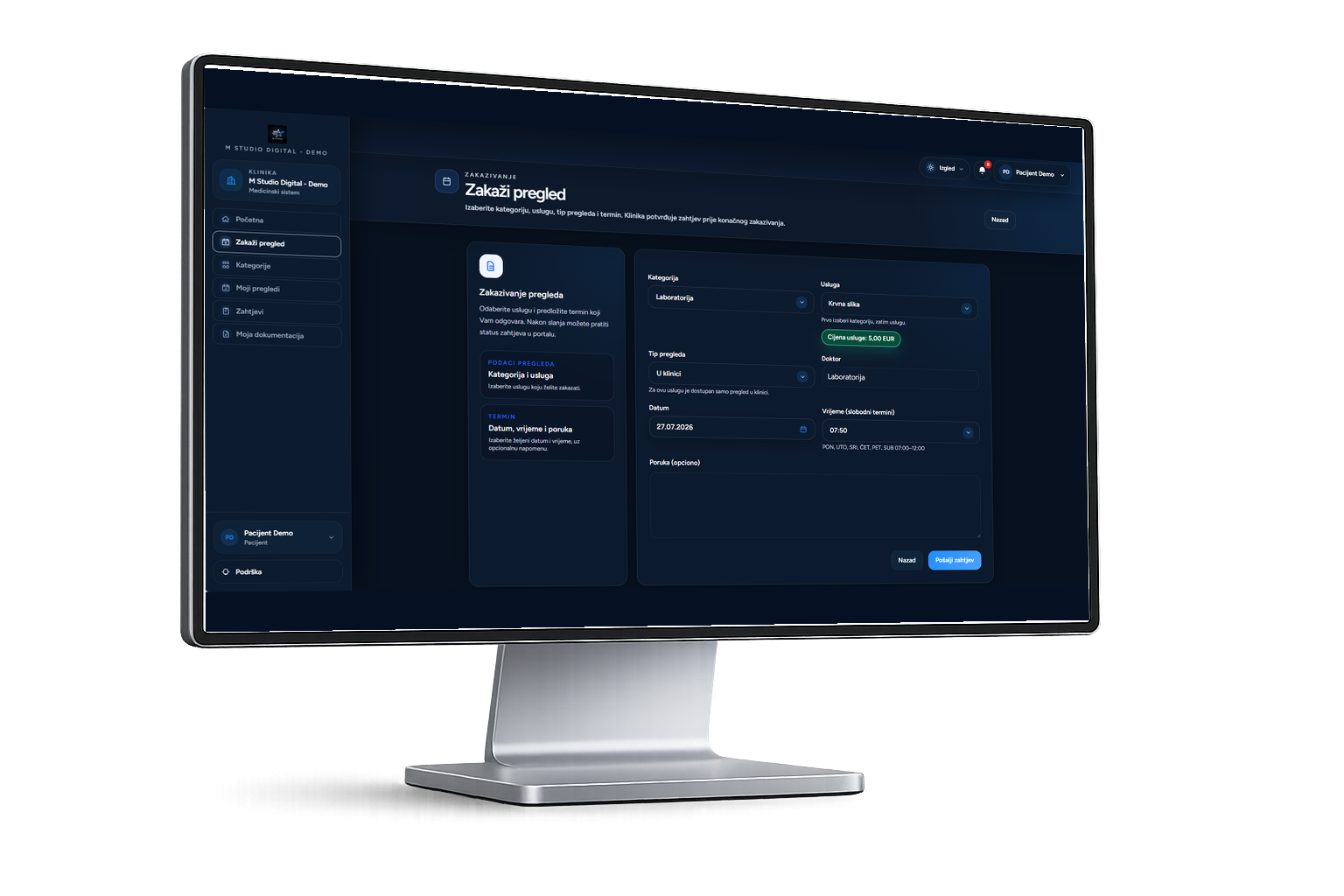
Your laboratory offer can be organised around real categories, packages, urgent tests and pricing used in everyday operations.
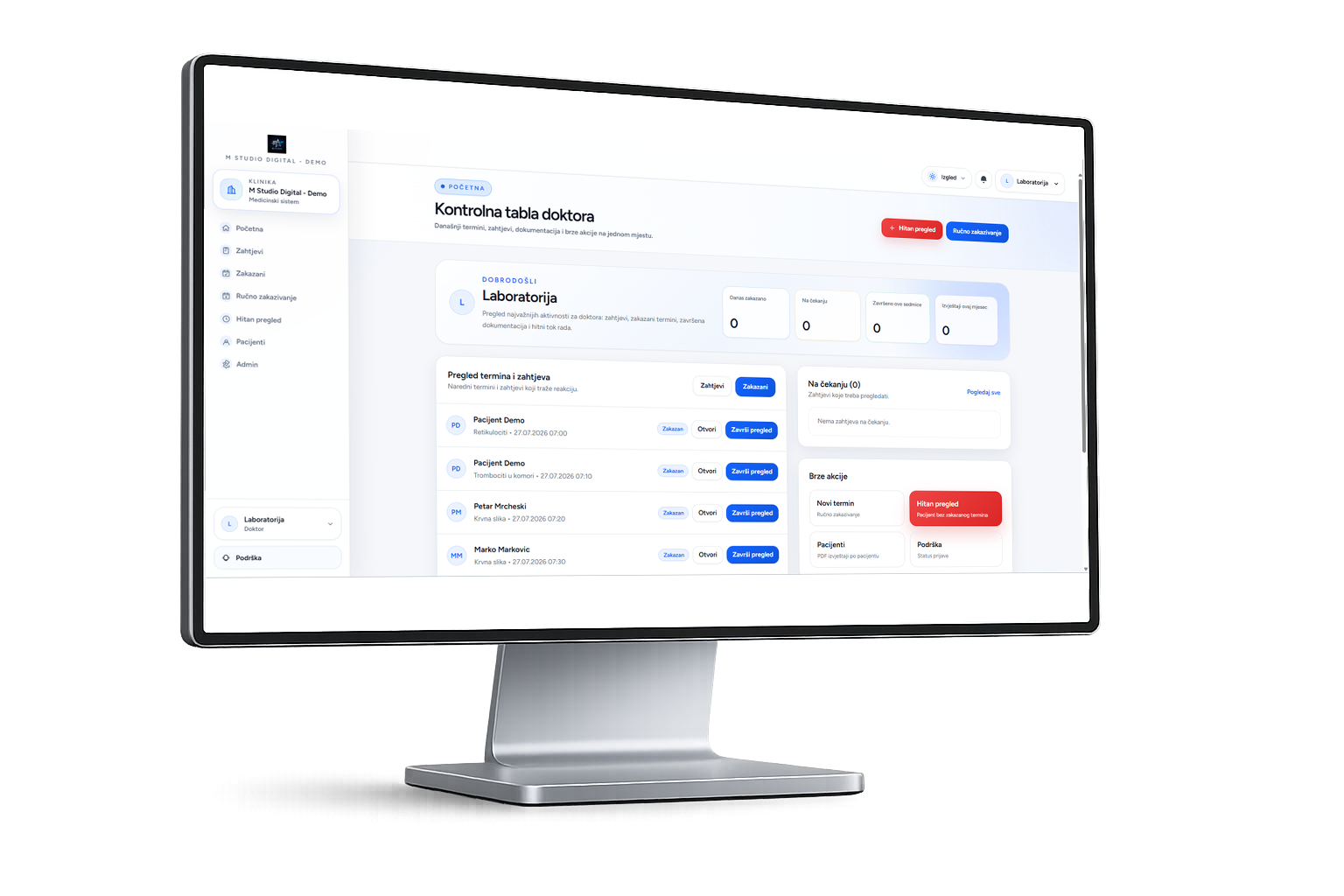
The team can immediately see which tests have been received, which are in progress and which are completed, together with statuses and notes.
Results can be entered through prepared templates or attached as finished documents, with a consistent report layout and clear reference values.
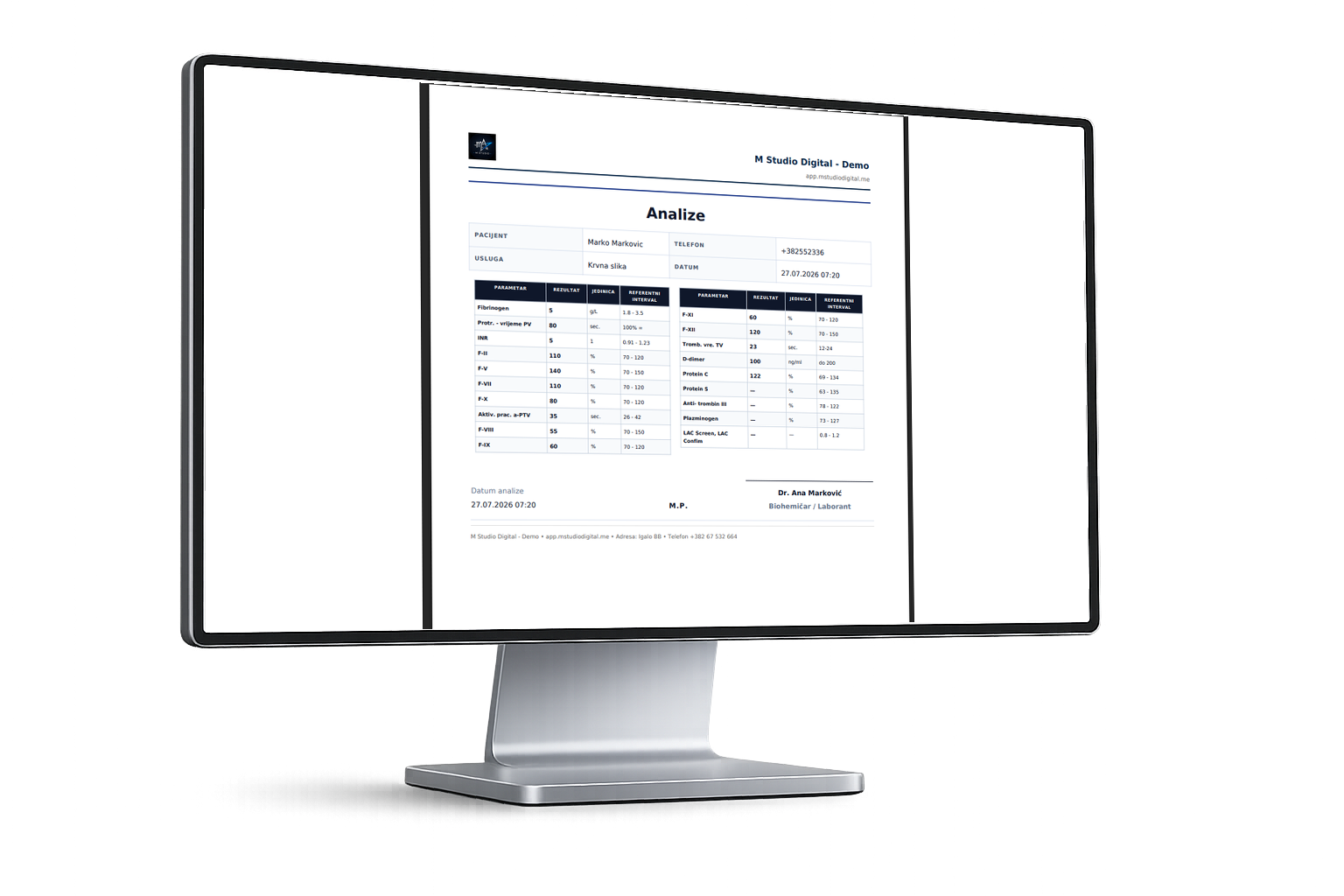
When a result is ready, the patient can be notified and access it on their phone without additional calls to the laboratory.
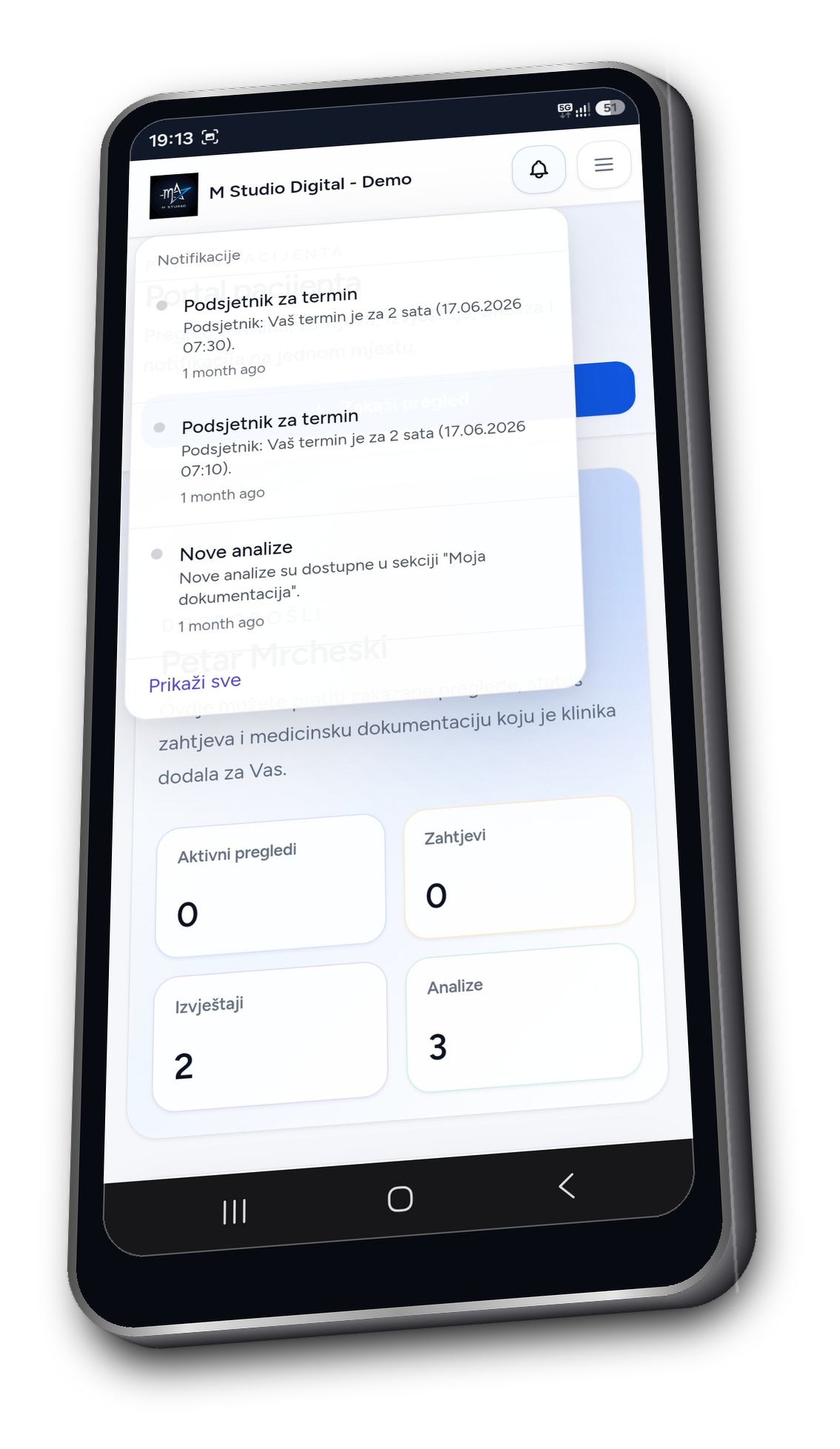
Laboratory Suite controls who can access requests, enter or approve results and release documents to patients, supported by activity records, backups and continuous technical monitoring.

Additional identity verification helps protect accounts and laboratory information.
Permissions determine who can process requests, enter results and access reports.
Patients receive access only after a report is approved and marked as available.
Relevant status, result and document changes remain recorded.
Each laboratory accesses its own catalogue, patients, requests and documents.
Backups cover platform data, PDF reports and documents stored in protected storage.
HTTPS communication and blocking of suspicious IP addresses protect platform access.
System processes and errors are monitored around the clock, with support during rollout and everyday use.
The branded platform can be installed on supported Android and Apple devices and opened with one tap, without a traditional Google Play or App Store download.
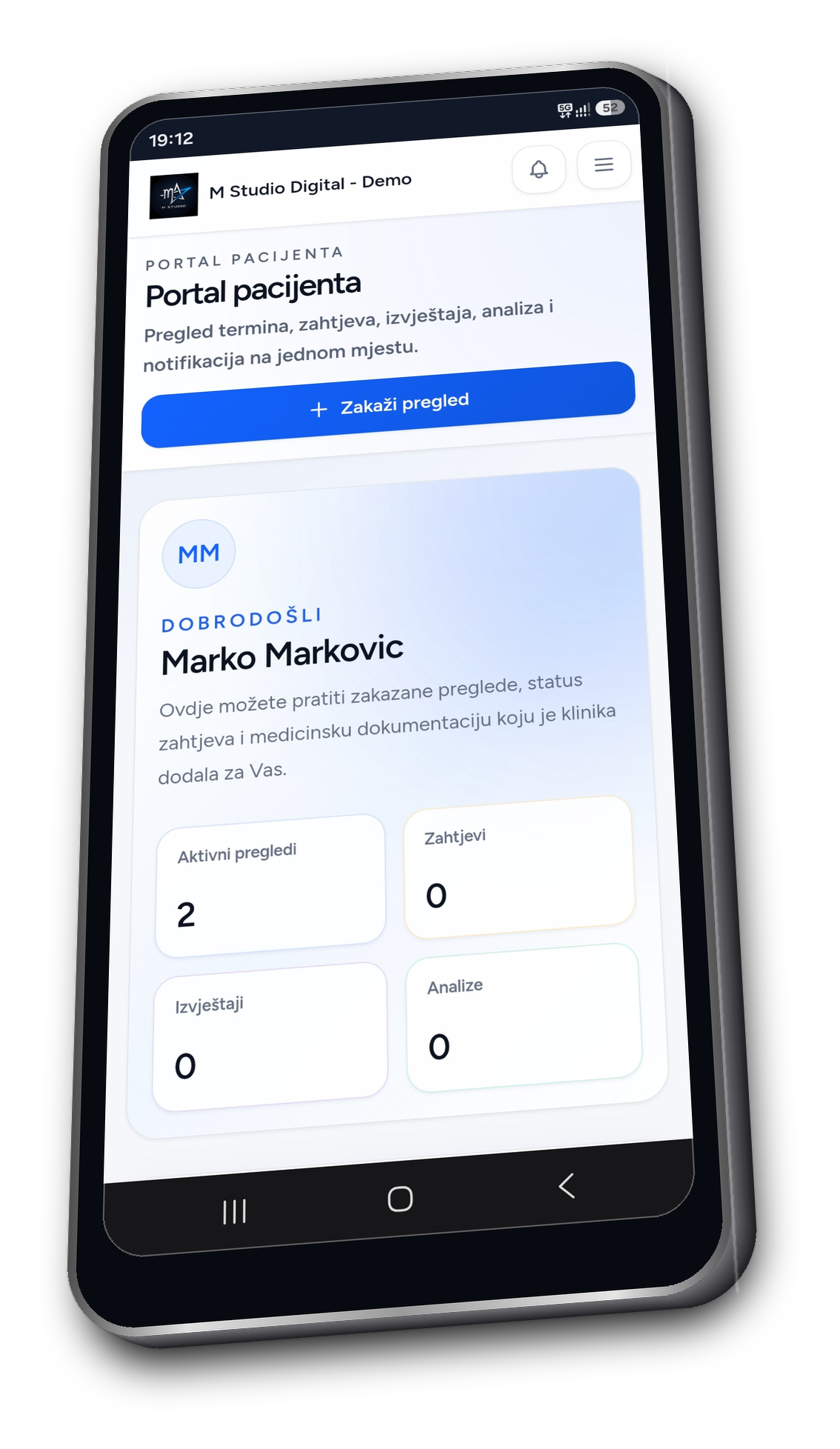
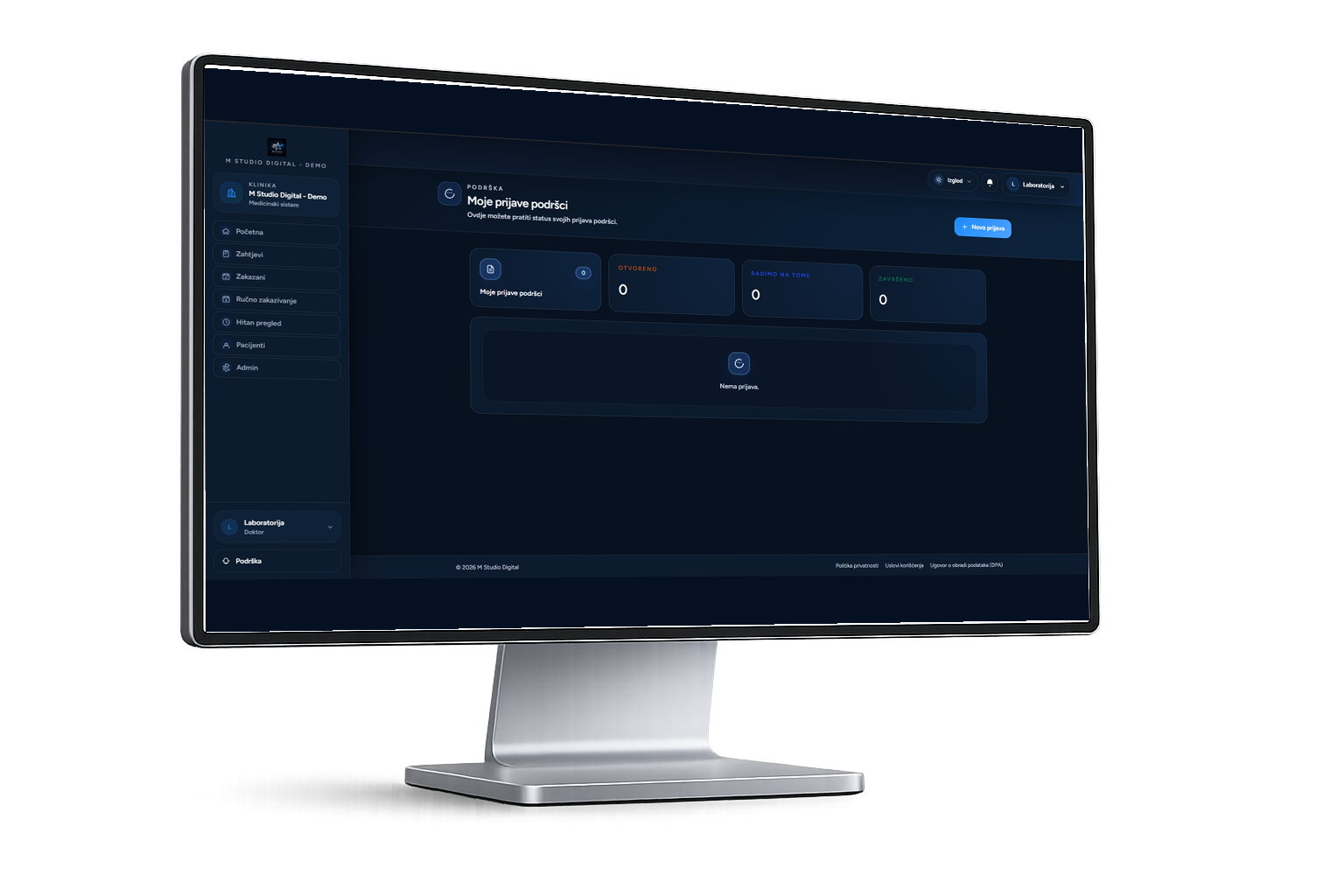
M Studio Digital prepares the branded environment, explains the relevant functions to your team and remains available as the platform becomes part of everyday operations.
No. It can be configured for a smaller private laboratory, a laboratory within a polyclinic or a larger diagnostic centre.
Yes. The name, logo, colours, app icon, test templates and languages are configured around your laboratory.
Yes. Once a result is approved and made available, the patient can open or download it through their access.
We assist with configuration, staff onboarding and platform use and remain available for technical questions and improvements.
We focus the demonstration on your services, team, documentation and current workflow.

